A keyframe is a visual checkpoint
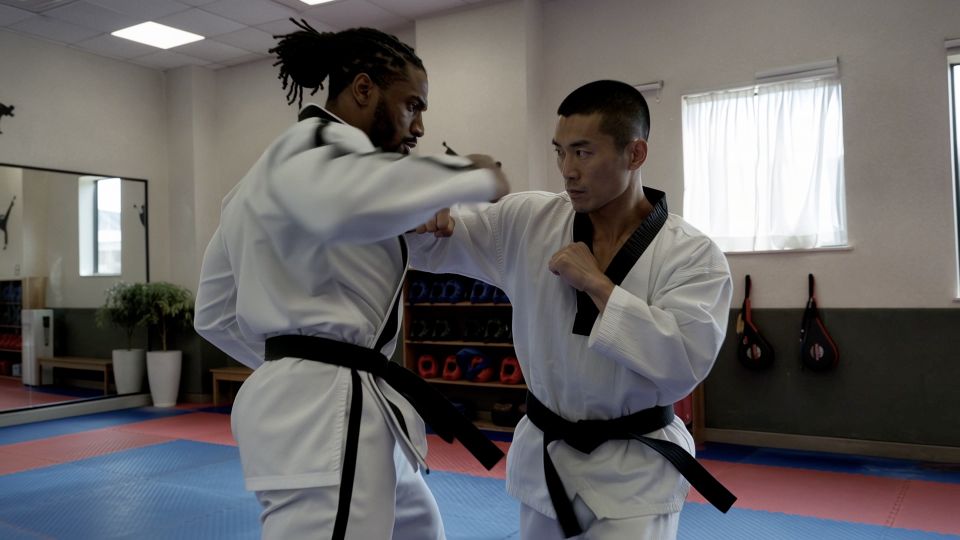
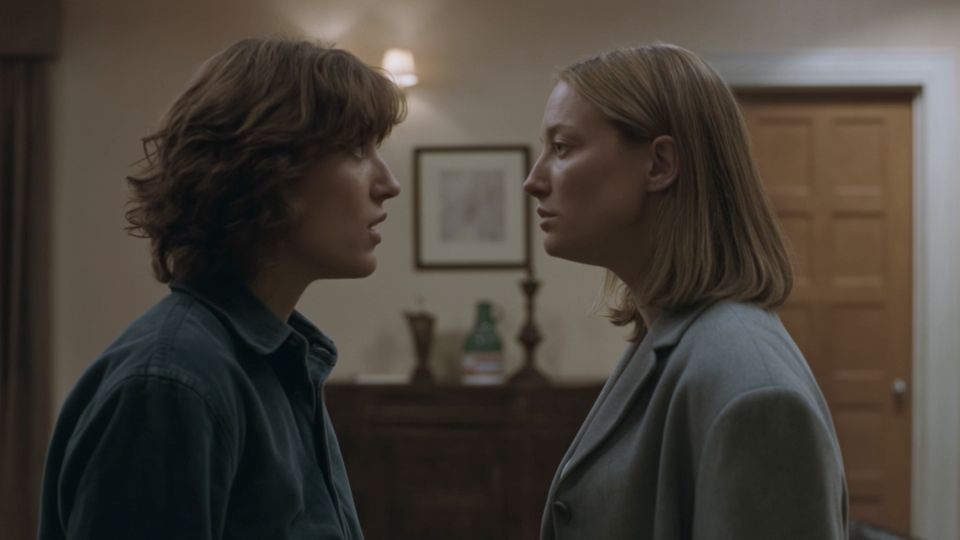
A keyframe describes an important moment in your sequence. Imagine showing a director three pictures: where the scene starts, what changes and how it should end. The model generates the motion between those moments.
The official Kling 4.0 announcement lists up to 10 keyframe images. This can help communicate a story progression, but it does not guarantee that every intermediate frame matches your intent.
References and keyframes do different jobs
| Input | Main purpose | Example |
|---|---|---|
| Reference image | Guide appearance or style | This is the character or product to keep recognizable. |
| First frame | Set the visual starting point | Begin with this composition. |
| Last frame | Guide the ending | Finish with the box open and the product visible. |
| Keyframe sequence | Describe several important moments | Closed box → lid opening → product revealed. |
A reference can stay relevant throughout the scene. A keyframe is tied to a particular moment. Use the two concepts deliberately rather than uploading many unrelated images.
Plan a simple three-beat reveal
- Opening: the product box sits closed on a table. Establish the light and framing.
- Change: the lid begins to open. Keep the same box, tabletop and camera direction.
- Ending: the product is visible. Give the final composition time to read.
Write a short instruction explaining the transition. If the ending needs a very different viewpoint, decide whether a gradual camera move or an intentional cut makes more sense.
Keep your input images compatible
Check the subject’s identity, proportions, wardrobe and position across images. Keep lighting and background consistent unless their change is part of the story. A series of individually attractive images can still make an incoherent sequence.
Do not jump from a close-up of a face to a distant landscape without explaining the connection. Fewer compatible checkpoints are more useful than filling every available slot.
Review the movement between moments
The most important review points are often between the keyframes: a hand crossing the face, a product turning, or a background becoming visible. Watch for sudden shape changes, scale shifts and accidental cuts.
When a transition fails, simplify the difference between the two images or separate the idea into two shots. Keep the story readable before making the camera movement more elaborate.
Check availability before preparing a large set
Kling4.tv does not currently expose Kling 4.0 multi-keyframe generation. The media-to-video page is a design of the planned reference workflow. Verify the connected model’s accepted inputs, duration and total limits before uploading a large reference set.
Read the model specifications and site availability together. An official model capability is not automatically a supported API feature.
Model specifications: Kling AI’s official 4.0 release notes. Reviewed October 1, 2026. Model specifications and access on Kling4.tv are separate.

 Learning center