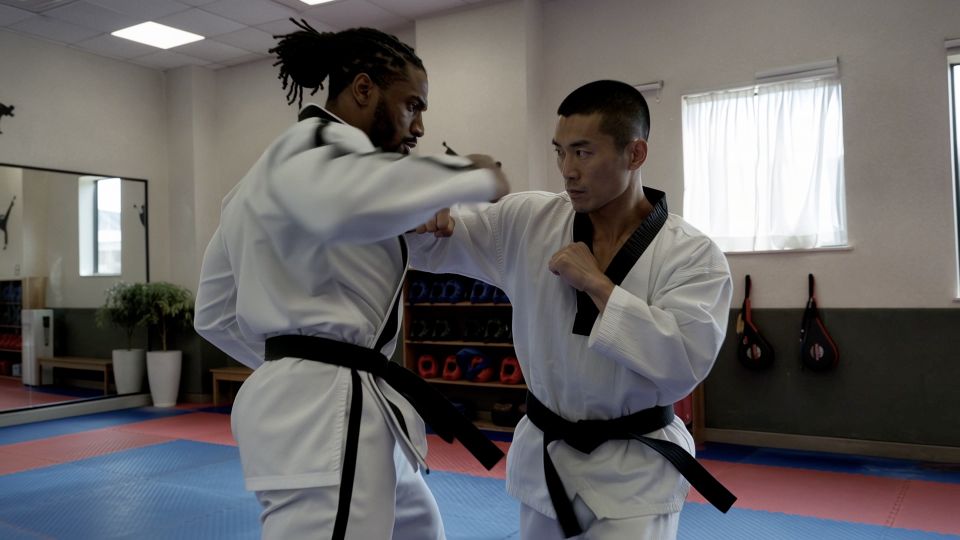
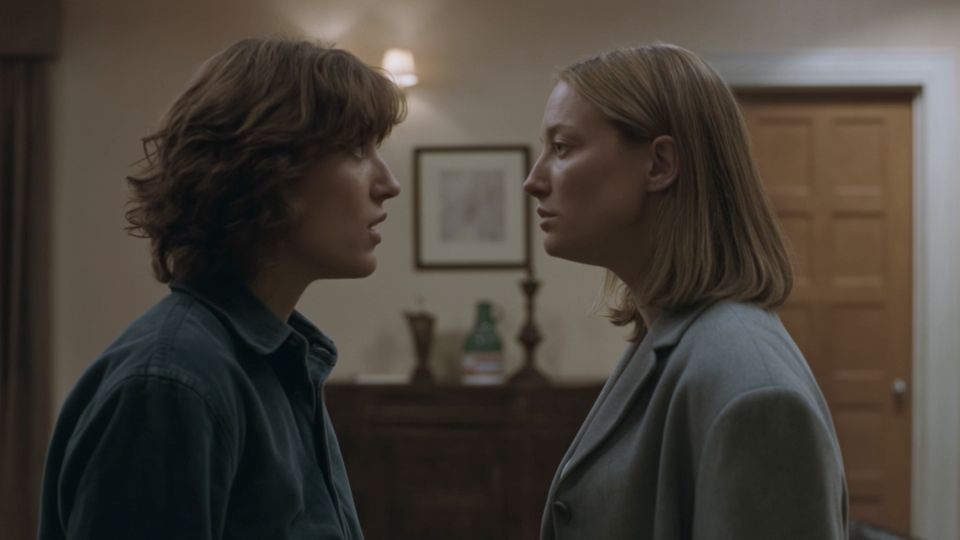
Choose your starting point
If you have an idea but no image, start with text to video. If the look of the subject matters, begin with a photograph or illustration and use image to video. If you need to guide several moments, prepare references and keyframes for a model interface that supports them.
Pick one small goal for the first attempt: a camera move around a product, a person turning toward the camera, or a short environmental scene. A focused shot is easier to judge than a complete advertisement.
Check the actual model
The website name and the selected model are different things. Before submitting, check the version in the model selector and the settings that become available. Do not assume that a Kling 3.0 API exposes every feature described in the Kling 4.0 announcement.
On this prototype, Kling 3.0 is the planned initial KIE connection. Kling 4.0 remains unavailable, and no generation request is submitted. The availability page keeps that distinction visible.
Write one clear shot
Start with the subject, setting and action. Then add a camera instruction and the details that should stay consistent. “A woman turns toward the window as the camera slowly moves closer” is a workable direction. “Make it epic, cinematic, viral and perfect” does not explain what should happen.
For an image input, spend less space re-describing the picture. Focus on motion: a gentle head turn, a change in expression or a small movement in the environment.
Set duration and framing
Choose an aspect ratio for the intended placement. Landscape is useful for a wide scene; portrait can suit a mobile feed. Keep the important subject away from edges that may be cropped later.
Match the action to the clip length. A short duration suits a single reveal. A longer clip can hold several beats, but each beat should lead naturally into the next. Start with a simple version before increasing complexity.
Review before you publish
Watch the complete clip, then inspect moments where the subject turns, objects overlap or the camera changes direction. Check faces, fingers, product labels, geometry, unwanted cuts and any spoken words.
- If identity changes, simplify the motion or improve the reference.
- If the camera wanders, choose one camera path and remove conflicting directions.
- If the scene is too busy, reduce the number of actions.
- If exact text matters, add it in a finishing workflow rather than relying on the model alone.
Refine one decision at a time
Keep the useful parts of the first brief. Change a single variable, such as camera speed or the main action, and compare the next result. This gives you a clearer explanation of why the output improved or got worse.
Save the prompt, model version and settings with a usable output. Those details make the next iteration easier to reproduce. In the final connected product, My Creations is the place for that history.
Model specifications: Kling AI’s official 4.0 release notes. Reviewed October 1, 2026. Model specifications and access on Kling4.tv are separate.

 Learning center