
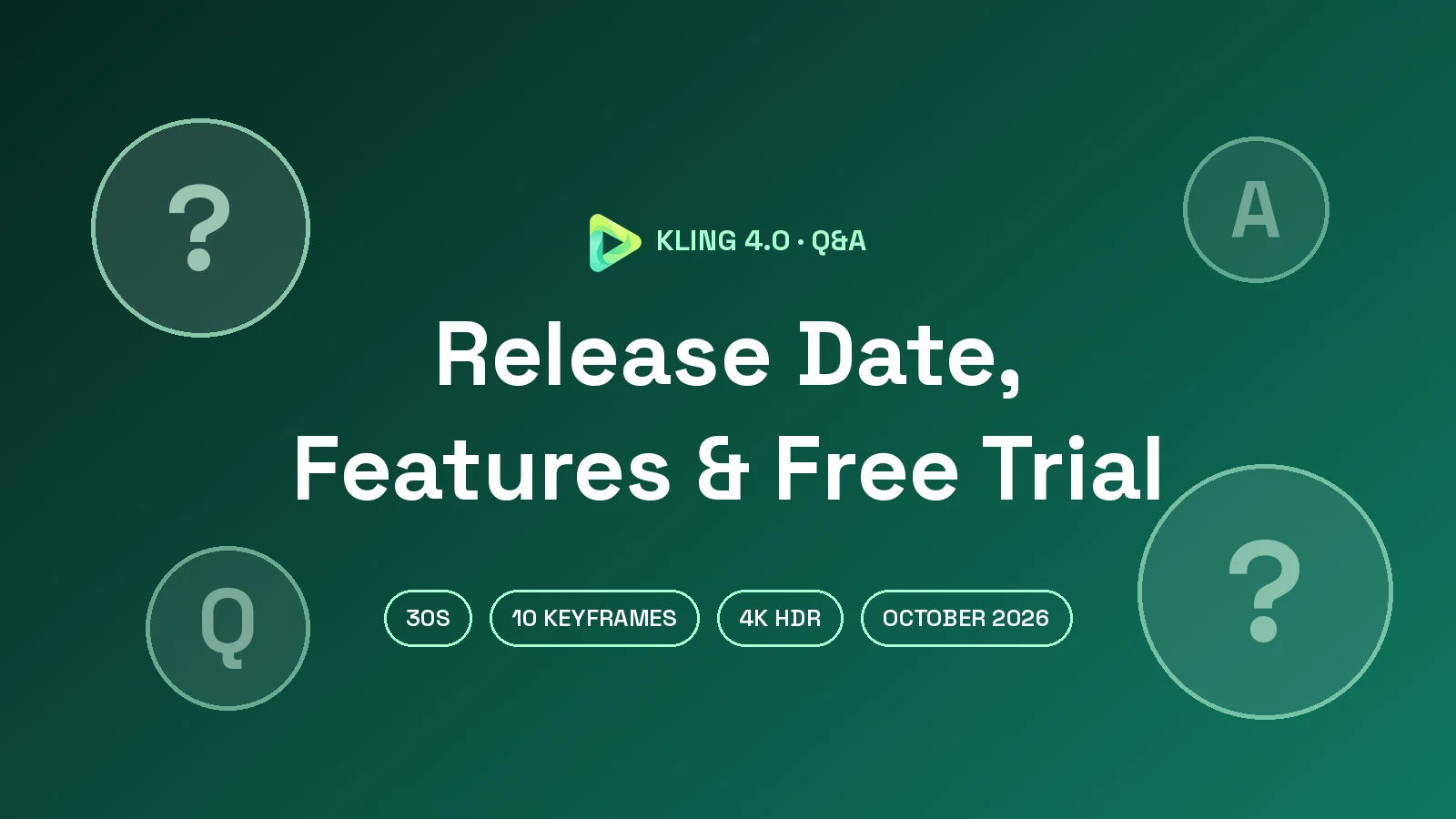
Short answer: The official Kling 4.0 Release Date is October 15, 2026. Kuaishou Technology confirmed in its October 16, 2026 investor release that Kling 4.0 officially launched on October 15. The official Kling 4.0 User Guide, published by Kling AI on October 14, 2026, documents 3–30-second generation, up to 15 reference assets and up to 10 keyframes.
Last verified: 2026-10-21
When is the Kling 4.0 release date?
The October 15 launch date comes from the Kuaishou investor release, dated October 16, 2026, which states that Kling 4.0 "officially launched on October 15." Kling AI announced the global launch in a press release distributed the same day.
The official guide’s October 14 publication date is a separate milestone. It documents the model and launch specifications, but publication alone does not establish when access opened to every account. This Kling 4.0 Release Date review therefore separates the reported launch timing from the specifications supported by the guide.
Is Kling 4.0 available now?
The official guide documents Kling 4.0 creation workflows and settings. It does not establish universal account access or plan eligibility. Kling AI says features and parameters are subject to the actual product interface, so check the model selector and settings in your official account.
The guide describes two creation entry points:
- Omni Reference: start with a written idea or use assets to direct appearance, actions, camera movement, and voice.
- Keyframes: place images at important moments to control how the visual sequence develops.
These entry points cannot be combined within a single generation task. Choose the workflow around the control your scene needs.
How to start using Kling 4.0 today
- Open your official Kling AI account and check the model and settings shown in the creation workspace.
- Choose your workflow. Use Omni Reference for asset-based direction or Keyframes for predefined visual moments.
- Write a concrete prompt. Describe the subject, scene, action, camera, and sound. The input limit is 8,000 tokens.
- Set duration and framing. Omni Reference offers 3–30 seconds in one-second increments, with a 10-second default.
- Review the result. Check identity, motion, timing, and audio before changing one instruction at a time.
Our how to use Kling guide provides a broader walkthrough. For planning, compare text-to-video and image-to-video workflows and decide whether your idea needs an initial image.
What is Kling 4.0 Flash?
Kling 4.0 Flash is the guide’s option for rapid creative iteration and short-form video. It supports clips up to 20 seconds at a maximum resolution of 720p. The guide says it does not support first-and-last-frame or multiple-keyframe workflows.
Choose the standard model when you need longer clips, higher resolutions, or keyframe control. The guide does not provide a measured speed comparison or a price table. Read our Kling 4.0 Flash guide for further context, or visit the Kling AI overview.
What are the new Kling 4.0 features?
Beyond the Kling 4.0 Release Date, the official guide provides practical limits for planning a generation:
- Duration: 3–30 seconds per generation. A 30-second setting describes output length, not processing time.
- Resolution: 720p and 1080p are listed as generation options.
- Aspect ratios: 21:9, 16:9, 1:1, 9:16, and Auto. Omni Reference defaults to Auto.
- Prompt length: up to 8,000 tokens. This is a token limit, not a word count.
- Keyframes: up to 10 image inputs to guide important visual moments. See our Kling 4 keyframes guide.
- Omni Reference: up to 15 assets total, subject to individual input limits. Our Omni Reference guide explains asset roles.
- Audio: two-channel stereo, voice references, and improved lip synchronization, according to the guide.
- Editing: targeted changes to expressions, movement, camera position, backgrounds, and style while directing preservation of other content.
The reference limits are up to 10 images, five videos, seven elements, and three voice profiles. The seven-element allowance can include up to three video elements. These individual ceilings do not increase the overall 15-asset limit.
Reference videos, editing videos, and video elements share a quota of five clips and 30 seconds total. Reference clips must each be 3–30 seconds. An editing task can include one primary video within that shared allowance. Assign each asset a clear role, such as preserving a character’s appearance or borrowing camera pacing.
Audio input supports voice profiles only. You cannot upload background music or sound effects through that input; describe those requirements in the prompt for the model to generate. Audio-visual synchronization and Smart Storyboard are enabled by default, without separate toggles.
The guide lists Chinese, English, Japanese, Korean, Spanish, Portuguese, German, French, and Hindi. Accent and dialect examples include Beijing Mandarin, Taiwanese Mandarin, Northeastern Mandarin, Sichuan dialect, Cantonese, and American, British, and Indian English. It also describes multilingual text, emoji, and logo rendering.
For related reading, see our motion control guide, output quality explainer, and longer-video workflow guide. Their topics should be checked against the settings relevant to your task.
How is Kling 4.0 different from Kling 4.0 Flash and Kling 3.0?
The supplied guide supports the following standard-versus-Flash comparison. It does not provide enough evidence to reproduce the earlier article’s Kling 3.0 figures, so those numerical comparisons are excluded.
| Capability | Kling 4.0 | Kling 4.0 Flash |
|---|---|---|
| Maximum generation length | 30 seconds | 20 seconds |
| Resolution | 720p / 1080p | Up to 720p |
| First and last frames | Supported | Not supported |
| Multiple keyframes | Up to 10 inputs | Not supported |
| Guide’s suggested use | Longer videos and precise visual control | Rapid iteration and short-form creation |
For historical context alongside this Kling 4.0 Release Date review, consult the Kling update log. Compare models using the same scene and instructions when assessing results.
Can I try Kling for free?
The trial offer described here is free credits on sign-up, enough for one video. The official model guide does not document the offer’s eligibility or credit allocation, so check the sign-up terms before relying on it.
Use a first trial for one clear subject and action. Our guide to free Kling credits covers trial considerations, while the Kling AI pricing guide provides plan context. No model prices are established by the supplied source.
Can developers use Kling 4.0 through MCP or CLI?
This cannot be verified from the supplied user guide. It explains creation modes, inputs, and prompting, but does not establish MCP or CLI access. Check the official documentation for the intended integration before building a workflow around it.
Our developer access guide provides related reading. Integration access requires separate verification from model generation specifications.
Kling 4.0 Prompt Examples for 30-Second Videos
These shortened examples preserve the original creative directions. Treat timing as instructions to review in the output, not a guarantee of exact execution. The guide recommends concrete visual descriptions and adding only details that affect the result.
1. 30-second cinematic short film
Create a 30-second film about an elderly lighthouse keeper during a storm. Preserve clothing and geography.
0–6s: Approach the lighthouse at dusk; waves sound on the left.
6–12s: Follow the keeper upstairs with a brass lantern.
12–18s: The beacon fails; show hands reconnecting a cable.
18–24s: The keeper whispers, “Someone is still out there.” Warm light returns.
24–30s: Pull back as a distant boat answers with two lights.
Why it works: the prompt specifies a setup, problem, resolution, and restrained audio direction.
2. AAA game-style footage
Create a 30-second third-person action sequence featuring an original armored scout in a ruined aqueduct.
0–6s: Track the scout running over wet stone.
6–12s: A stone guardian blocks the route; the scout slides beneath its arm.
12–18s: Follow a chain swing to a neighboring platform.
18–24s: Show a dodge and spear strike.
24–30s: Follow the scout escaping toward sunrise. Emphasize footfalls, armor movement, and falling masonry.
Why it works: each beat describes visible action. Use references for character design or choose Keyframes to fix important compositions.
3. Stop-motion animation
Create a 30-second stop-motion scene about a clay gardener rescuing a fallen star. Preserve fingerprints, felt textures, and gently stepped movement.
0–6s: A star falls into a felt cabbage patch.
6–12s: The gardener approaches with a thimble watering can.
12–18s: Wrap the star in yellow fabric.
18–24s: Climb a spool staircase to a moon-shaped cradle.
24–30s: Pull back as the star brightens. Add soft bells and fabric rustling.
Why it works: material details make the style concrete; the guide explicitly includes felt among supported visual styles.
Kling 4.0 FAQ
What is the verified Kling 4.0 Release Date?
The verified Kling 4.0 Release Date is October 15, 2026, confirmed by Kuaishou. The official user guide was published one day earlier, on October 14, 2026.
How long can Kling 4.0 videos be?
Standard generation supports 3–30 seconds. Omni Reference adjusts duration in one-second increments. Flash supports up to 20 seconds.
Which resolutions and aspect ratios does Kling 4.0 support?
The guide lists 720p and 1080p, plus 21:9, 16:9, 1:1, 9:16, and Auto aspect ratios.
How many references and keyframes can I use?
Omni Reference allows 15 assets total within category limits. Keyframes supports up to 10 images. The two entry points cannot be combined in one task.
Does Kling 4.0 generate audio in multiple languages?
Yes. The guide describes stereo audio and nine named languages, plus regional accents and dialects. Audio uploads are limited to voice-profile references.
Is Kling AI free to try?
The stated offer is free credits on sign-up, enough for one video. Check eligibility and terms; the official guide does not verify this promotion.
Sources
- Kling 4.0 User Guide — Kling AI, October 14, 2026; supplied text reviewed for specifications.
- Kling 4.0 release notes — official reference link; contents not independently reviewed.
- Kuaishou investor release (October 16, 2026) — confirms the October 15, 2026 launch.
Try Kling AI Today
Explore Kling AI and prepare your first creative brief. Choose a subject, action, framing, and sound direction, then use the verified specifications above to keep your plan focused.