
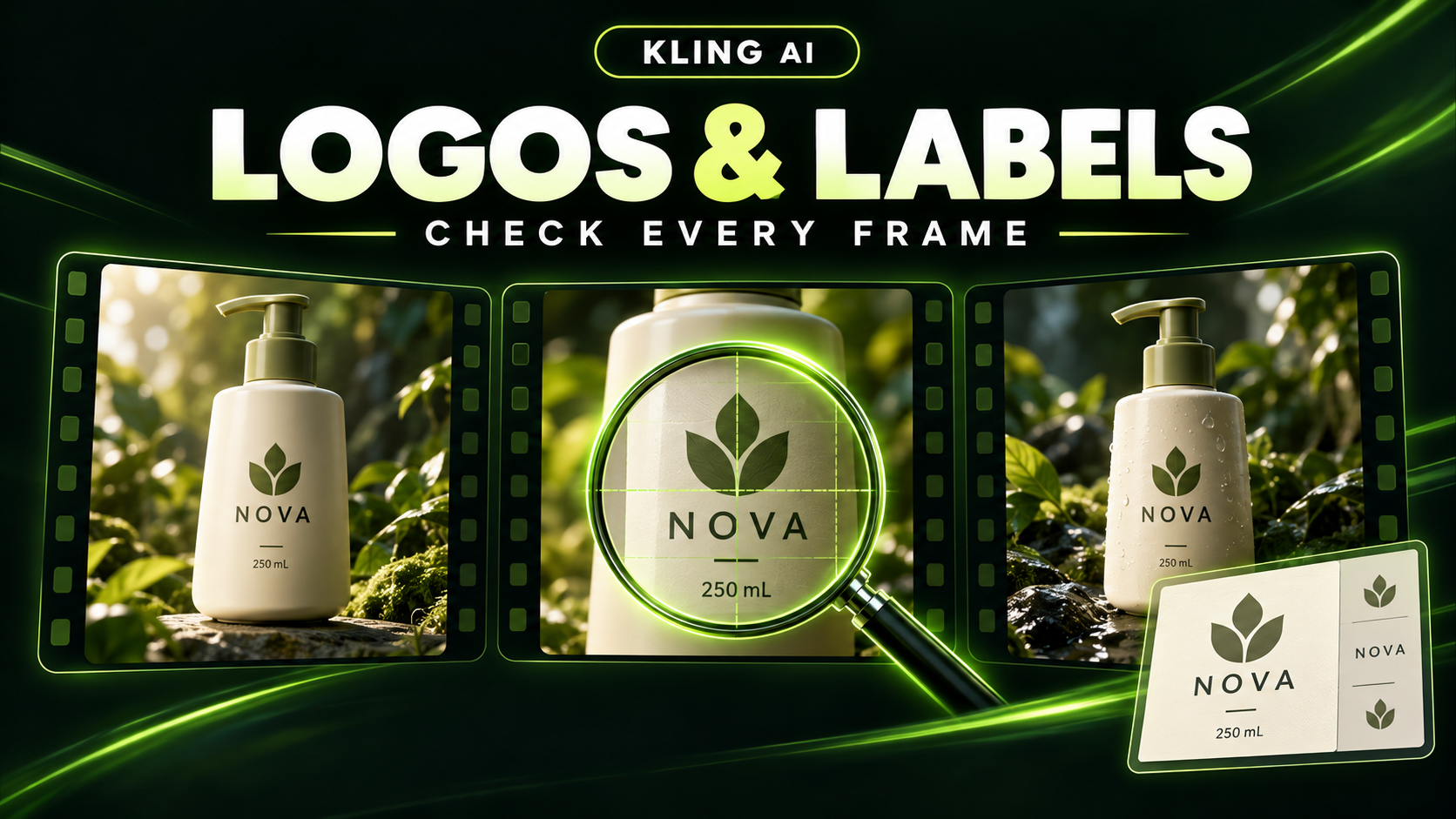
To plan a Kling 4.0 product video with an accurate logo and label, start with approved product images, give the branding a clear moment in the composition, and check the exact lettering throughout the interval you intend to use. A recognizable bottle is only part of the task: its wordmark, quantity and packaging must match the real item.
Kling's published 4.0 specifications describe reference-led creation, up to 10 keyframe images and 3–30-second videos. Those capabilities give a product sequence a structure; they do not establish that every printed letter will remain exact. Kling launched Kling 4.0 on October 15, 2026 (Kling 4.0 User Guide; Kuaishou investor release (October 16, 2026)). Last checked November 11, 2026. On kling4.tv, Kling 4.0 is available in the generator for Kling AI text to video and Kling 4.0 image to video, for members on a paid plan or credit pack. The examples below are creative plans based on Kling's published capabilities, not tested generation results.
Decide what the viewer must recognize and read
A bottle can look recognizable while showing the wrong quantity. A logo can be readable while its letters or proportions are wrong. Write down the details that make the shot acceptable before choosing the camera move.
| Detail | What to check against the approved product |
|---|---|
| Product shape | Silhouette, proportions, cap or pump, seams and visible parts |
| Color and material | Correct colorway, surface finish and transparent or opaque areas |
| Main logo | Exact mark, spelling, proportions and position |
| Label copy | Required words, punctuation, numerals and units |
| Packaging revision | Current layout and artwork, without mixing old and new versions |
Then decide which details need to be legible in this particular shot. A wide lifestyle opening and a close product hero have different jobs. If the video needs to communicate “250 mL,” include a composition where that line is large enough to check. If it needs only a recognizable product outline at the beginning, save the close label view for a later beat.
Keep exact product information separate from the campaign headline. Space beside the product can carry a headline without asking the packaging itself to carry another message.
What should product reference images show?
For a Kling 4.0 product concept, assemble a small, coherent set of source images:
- Front product view: the approved wordmark and label, with the complete product visible.
- Relevant angle: a genuine view of any side the planned movement will reveal.
- Material detail: a clear view of a surface, closure or texture important to the shot.
- Composition reference: the intended product size, background and space for campaign copy.
Choose the asset roles your shot needs. One clean source may communicate a simple front-facing hero; an idea that reveals another panel needs information about that panel.
Check that every view shows the same SKU, color and packaging revision. A current front label paired with an older side view gives conflicting direction. Check the source at full size, too: enlarging an image cannot recover lettering that was never readable in it.
Reference images describe appearance. In the published Kling 4.0 approach, keyframes describe important moments in the sequence. Keeping those roles clear helps you decide whether a missing input concerns the product's identity or the shot's progression.
Compose the movement around the label
Choose the movement after deciding how long the viewer needs to see the branding. A slow push toward a front-facing product is a useful starting concept when the label is the main message. A rotation serves a different purpose: it reveals shape and additional surfaces, so each visible side belongs in the reference plan.
Make the light part of that composition. For a glossy bottle, plan reflections away from required lettering at the label-reading moment. For a metallic package, check that a highlight does not wash out the wordmark.
Also draw the delivery crop before committing to a scene. In a vertical ad, keep the product and required text inside the usable frame, with room for platform overlays. In a wide landing-page video, leave deliberate space for a heading or button. A label that is accurate but cut off does not meet the shot's purpose.
How do keyframes help a branded product sequence?
The announced Kling 4.0 multi-keyframe capability provides a way to describe visual milestones between the opening and closing compositions. For a simple branded product sequence, plan three:
- Opening: the full product sits in its setting; the viewer understands its size and position.
- Label moment: the camera is closer, the front faces the viewer and the required mark has room to read.
- Closing hero: the full product returns to a balanced composition with space for the campaign message.
Keep the product artwork consistent across those images. Let the changing frame describe the camera position or framing, rather than introducing a different label. The Kling 4.0 keyframes guide explains the distinction between appearance references and sequence milestones.
Treat each milestone as a target composition, then check the movement connecting them. A correct label in the opening and ending images is not evidence that the intervening frames will be correct.
A 30-second product-video example
The published 30-second maximum offers room to establish a setting, show a detail and return to a hero view. Use that time when the product story needs it; a single logo reveal may be better served by a shorter concept.
Here is an illustrative 30-second shot plan for an amber pump bottle, with suggested timings for a storyboard.
| Planned interval | Composition and movement | Acceptance check |
|---|---|---|
| 0–4 seconds | Wide countertop view in soft morning light; bottle visible from the start | Correct bottle outline and pump |
| 4–10 seconds | Gradual push toward the front label | Wordmark stays visible and the bottle remains front-facing |
| 10–18 seconds | Hold a closer view, with a subtle background light change | Required label text and 250 mL quantity can be inspected |
| 18–25 seconds | Ease back to show the complete bottle and surrounding surface | No changed proportions or packaging details |
| 25–30 seconds | Settle on a final hero composition with clear space beside the bottle | Product and campaign-copy area fit the delivery crop |
Example creative prompt: An amber pump bottle with the approved front label stands on a pale stone countertop. Begin wide in soft morning light, then move slowly closer until the wordmark and 250 mL line are clearly visible. Hold the front-facing view before easing back to a complete product hero. Keep the bottle, pump, label layout and brand colors consistent with the reference images. Finish with empty space to the right for campaign copy.
Use the prompt to explain the motion between the planned images. Its preservation instructions express the requirement; the finished sequence still needs inspection.
Review typography and product shape separately
When evaluating a product-video result, first check geometry: outline, pump, closure, corners and visible parts. Then check the printed information: exact letters, spacing, punctuation, numbers and units. Separating the checks helps keep attractive lighting from distracting you from a changed label.
Review the label-reading interval closely, then inspect the rest of the usable sequence. Pay particular attention to angle changes, reflections crossing the mark and moments after a hand or object passes in front of it. Watch at normal speed for flicker and step through frames for brief changes.
Check the intended export size and delivery crop. Higher resolution describes image dimensions, not correct spelling; a sharp misspelling is still wrong.
If a required detail fails, record the specific symptom and where it appears. For example: “The wordmark is correct at the opening, but its last letter changes during the push-in.” That gives the next version a concrete question to address. A clearer source or a simpler move is a candidate revision, not a proven universal fix.
For copy-critical closing frames, keep an approved packshot available. If a generated product depiction fails the required check, a real-asset replacement or another shot may be appropriate. A logo overlay alone cannot repair a changing bottle shape.
Make the product the anchor of the sequence
For a Kling 4.0 product video, define the exact details first, choose references that agree, and give the label a deliberate moment in the composition. Use the announced keyframe and duration capabilities to plan the progression around that product, then approve the entire interval you intend to use.
Explore the Kling 4.0 overview for the published creative direction, and use the Kling AI prompts guide to turn your product, action and camera plan into clearer instructions.